

Most small business owners I talk to think local SEO means “get on Google Maps” and stop there. That’s just only one thing on a longer list, and maybe it’s not even the thing that makes the difference anymore.
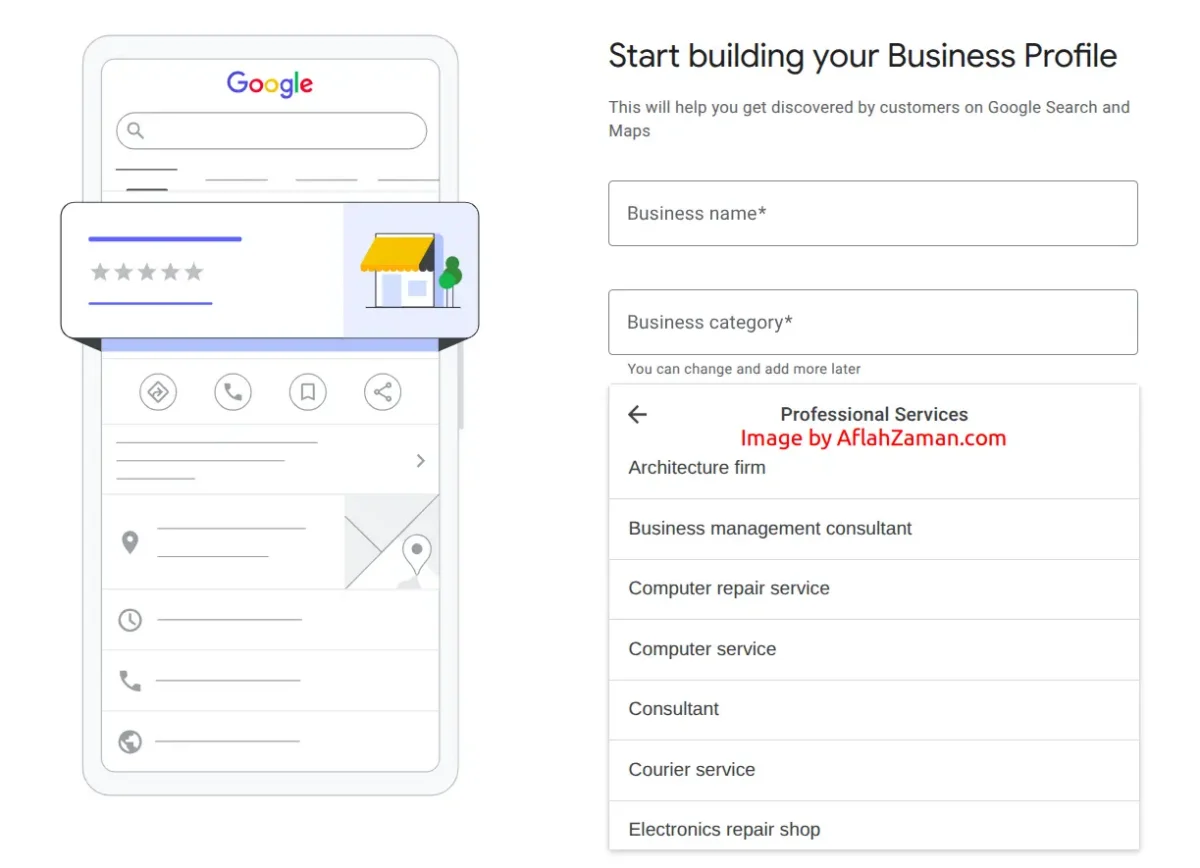
I’ve spent years running SEO work for small businesses, and the pattern I see over and over is the same. Someone claims their Google Business Profile once, never touches it again, and they don’t have any idea why their competitors business with a worse product or service shows up above them. Local SEO is not that complicated. Technically, it’s just a list of boring things done consistently with clarity and proper planning.
Here’s the checklist I actually use, in the order I’d do it if I were starting from zero.
1. Claim and completely fill out your Google Business Profile
This is the single highest-leverage thing you can do, and it’s free. Not “mostly filled out.” Completely filled out.
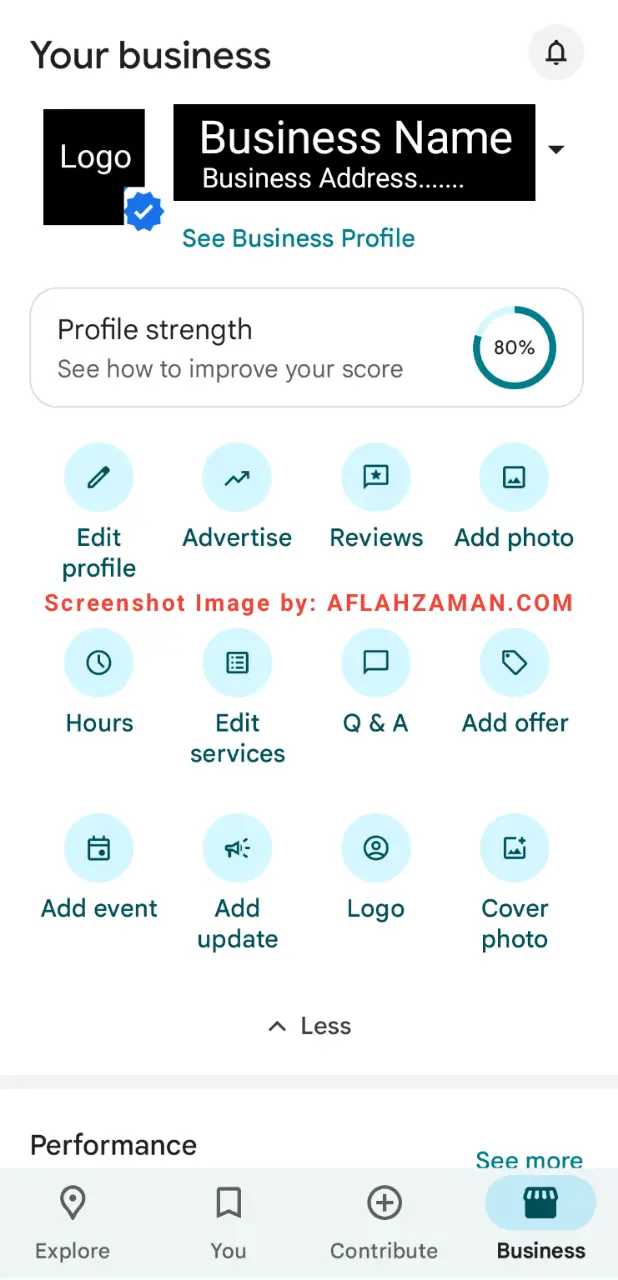
- Pick the most accurate, most specific primary category you can. Not “Consultant” – but the exact thing you do.
- Add secondary categories that genuinely apply.
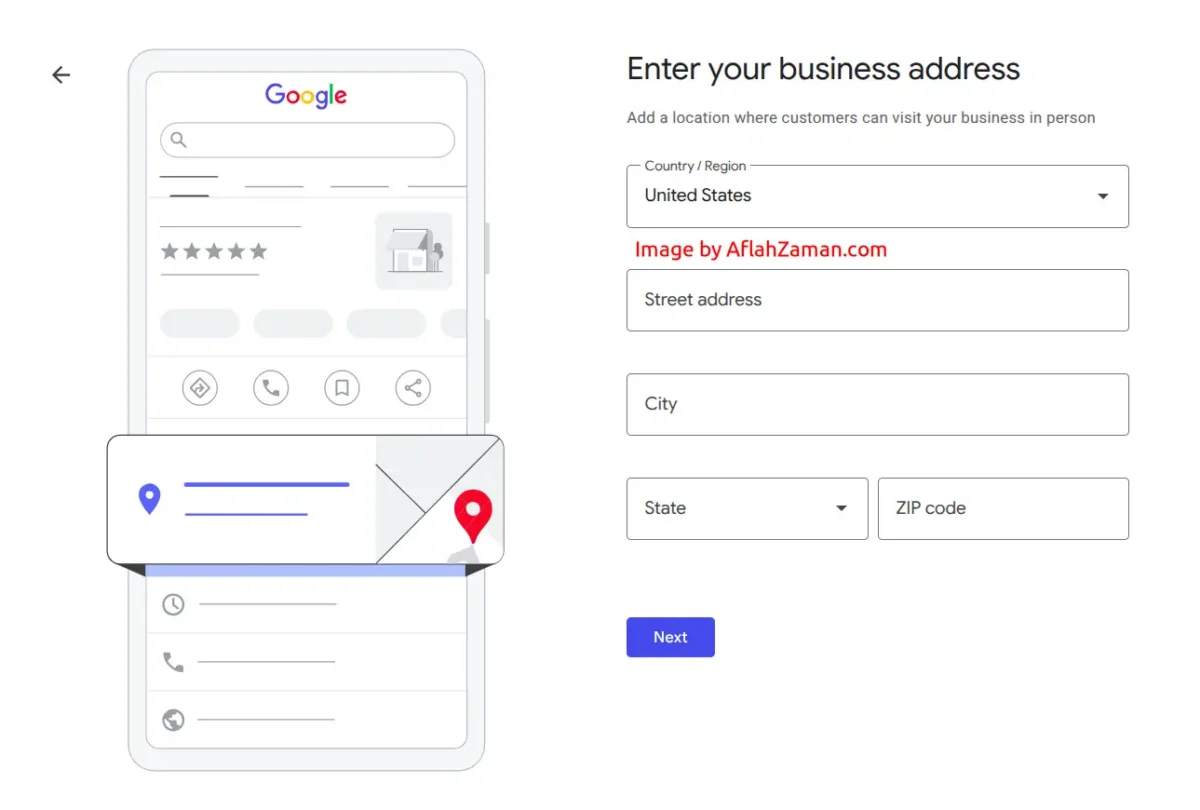
- Get your Name, Address, and Phone number exact, and make sure they match your website down to the last detail (“St.” vs “Street” matters more than people think).
- Add real hours, and keep them current. A business that shows as open when someone searches has a real edge over one that doesn’t.
- Upload real photos. Not stock images. Start with at least 8-10 and add more over time.
- Fill in every field: services, products, attributes, description.
- Turn on messaging or booking if it makes sense for your business, so someone ready to buy can move immediately instead of leaving to find your number.
Do this once properly and you’ve already outpaced a large share of your competition. A lot of businesses in most categories still don’t have a google business profile, even if they had one, most of their online business listings are incomplete or outdated.
2. Post to your business profile weekly
I know this feels like boring. Its not confirmed to directly boost your business rankings, but it does two things. It signals to Google that your business is active, and it gives you another place to show up when someone’s choosing between you and the next listing. Ten minutes a week. Set a reminder.
3. Build a real review pipeline
Original reviews are too important. A few years ago, being above 4 stars was fine. Now a meaningful share of people won’t even consider a business below 4 stars, and a growing group wants 4.5 or higher. If you’re sitting at 4.0 to 4.4, you’re losing customers who never tell you why.
What actually works:
- Customer feedback: Ask right after the moment of service, not a few weeks later. A quick text or email with a direct link works better than a generic follow-up. Then improve your business based on their feedback.
- Respond to every review. Yes, even the negative feedback. Especially the negative ones. Also, if you can, always try to avoid replying with a generic copy paste style response. Your response should feel genuine, because your future customers may make their decision based on this.
- Don’t buy reviews or fake them. It’s not worth the risk and it will effect your business in the long term.
- Aim for a steady drip of new reviews rather than a big batch once a year. How recent your reviews are counts for more than the raw total these days.
4. Get your NAP consistent everywhere
NAP is your Name, Address, and Phone number. It needs to match, exactly, across your business website, your Online Business listings, Google maps, Bing, Apple Business Connect, Yelp, Justdial, Instagram, Facebook, and any directory relevant to your industry or city.
This is the most boring thing on my list and one of the easiest to get wrong. I’ve seen businesses with three different phone numbers scattered around online because someone changed a number years ago and never went back to update their old listings and business profiles. Every mismatch adds a small amount of confusion, and Google doesn’t reward doubt.
Do a quick audit. Search your business name and see what comes up. Fix what’s wrong. It’s a one-time cleanup that keeps paying off, and it’s the kind of thing that’s easy to postpone forever because nothing breaks visibly when it’s wrong. It just caps how much trust Google places in your listing.
5. Build dedicated pages for what you actually do
If your website has one page trying to describe everything you offer, you’re missing out on rankings you could easily have. Each core service deserves its own page, written for the specific thing someone is searching for, not a paragraph stuffed inside a general “services” page.
This is where a lot of small business sites miss opportunities. It’s not about having more pages just to have more pages. It’s about matching the specific way people search with a specific page that answers that exact question.
6. Add structured data to your site
This one’s technical, but you don’t need to be a developer to understand why it matters. Structured data (specifically LocalBusiness schema) is a way of telling Google exactly what your business is, where it is, what you offer, and what it costs, in a format machines can read directly instead of guessing from your page copy.
It matters more now than it used to, because AI-driven answers are starting to pull directly from this kind of structured information. If your site doesn’t have it, you’re relying entirely on Google interpreting your page correctly. If it does, you’re handing over the answer directly.
You don’t have to write this by hand. Most website platforms have a plugin or a simple way to add it, and once it’s set up correctly, it keeps working in the background without you thinking about it again.
7. Think past Google
Google is still the biggest channel, but it’s no longer the only one. A growing number of people are asking AI tools directly for local recommendations instead of searching. That shift is still early, and it rewards the same fundamentals: complete information, clear structure, and a business that’s easy to describe accurately. Nothing here changes because of AI. It just raises the cost of skipping any of the steps above.
The order I’d actually do this in
If you’re starting from nothing and have limited time, do it in this order:
- Complete your Google Business Profile fully
- Fix your NAP across your top directories
- Set up a review request habit
- Build one dedicated page per core service
- Add schema markup
- Start posting weekly
The first three will make the biggest difference in your digital marketing effort for your shop, fastest. The last three compound over a few months later, only if done properly.
My Thoughts
None of this is complicated in theory, but.. sometimes it gets messy when you actually tying to do it. and most people struggle is doing it consistently instead of once, and knowing which piece to fix first when something isn’t working. If you want an outside perspective on where your business is right now, that’s the kind of thing I help with as a local SEO expert, going through each of these steps with your business, based on what’s actually happening on your listings and your site.

![How Much Does SEO Cost in USA? [2026 SEO Pricing Guide]](https://aflahzaman.com/wp-content/uploads/mac-freelancer-macintosh-macbook-40185.jpeg)